AutToken
Beta
AutToken

Drag & Drop Character to Start.

NO SIGN-UP REQUIRED. INSTANT EXPORT.
Move Mode
Left Clickto drag
Scrollto zoom
Mask Mode
Left Clickto paint
Scrollto brush size
Right Clickto exit
Hold Spaceto move / zoom

Export your token as PNG or WebP.

Download
Format

Presets

Save your frame + overlays as a reusable template (Pro).

AutToken

Free VTT Token Maker (No Login Required)

Create clean, table-ready tokens for VTTs like Foundry VTT, Roll20, and Owlbear Rodeo. Upload art, crop, frame, and export PNG or WebP in seconds.

How it works

  • 1.Upload your character art.
  • 2.Crop and align the subject.
  • 3.Choose a frame and export.

AutoToken keeps core token creation free with no usage limits for normal use. Optional add-ons support storage, automation, and paid compute tools.

Always Free

Core token tools, no usage limits for normal use.

  • Export formats: PNG, WebPLive
  • Token shapes: circle, square, hex-flat, hex-pointLive
  • Custom Frames & Assets (including your own uploads)Live
  • No usage limits for normal use (no daily caps)Live
  • No Watermarks (Clean exports)Live

Pro Add-Ons

Supporter features: storage, automation, and premium tools.

  • Character art upscalingLive
  • Alternate BG removal toolLive
  • Cloud storage for created tokens, frames, and settingsLive
  • Export print quality tokens (2048)Live
  • FoundryVTT module integration/importScoped

Some generation tools use credits.

TokenStamp-style workflow, upgraded

Basic tokens require no login, exports are clean, and advanced tools like generated frames or cloud storage are optional add-ons.

FAQ

Is AutoToken free?

Yes. Core token creation and exports are free with no login required. Optional add-ons support features that require compute, automation, or storage.

Do I need an account?

No for basic token creation. You’ll need an account for optional Pro features, cloud vault access, and to purchase or use credits.

What do I get with Pro?

Pro focuses on workflow and storage — saving tokens and frames, cloud vault access, batch tools, and premium frame collections. Compute-heavy tools use credits separately.

What VTTs does it work with?

Any VTT that accepts PNG or WebP files, including Foundry VTT, Roll20, Owlbear Rodeo, and Fantasy Grounds.

What export sizes should I use?

Use 256px for standard tokens, 512px for HD, 1024px for large or boss tokens, and 2048px for print or source files.

Do I need Pro to generate AI frames?

No. AI frame generation uses credits and does not require a Pro subscription.

Can I upload my own frame?

Yes. Upload a PNG with transparency and AutoToken will auto-detect the aperture.
How we think about the roadmap

Core token creation stays free. Pro add-ons focus on features that require compute, automation, or storage. Ideas listed here reflect direction, not promises.

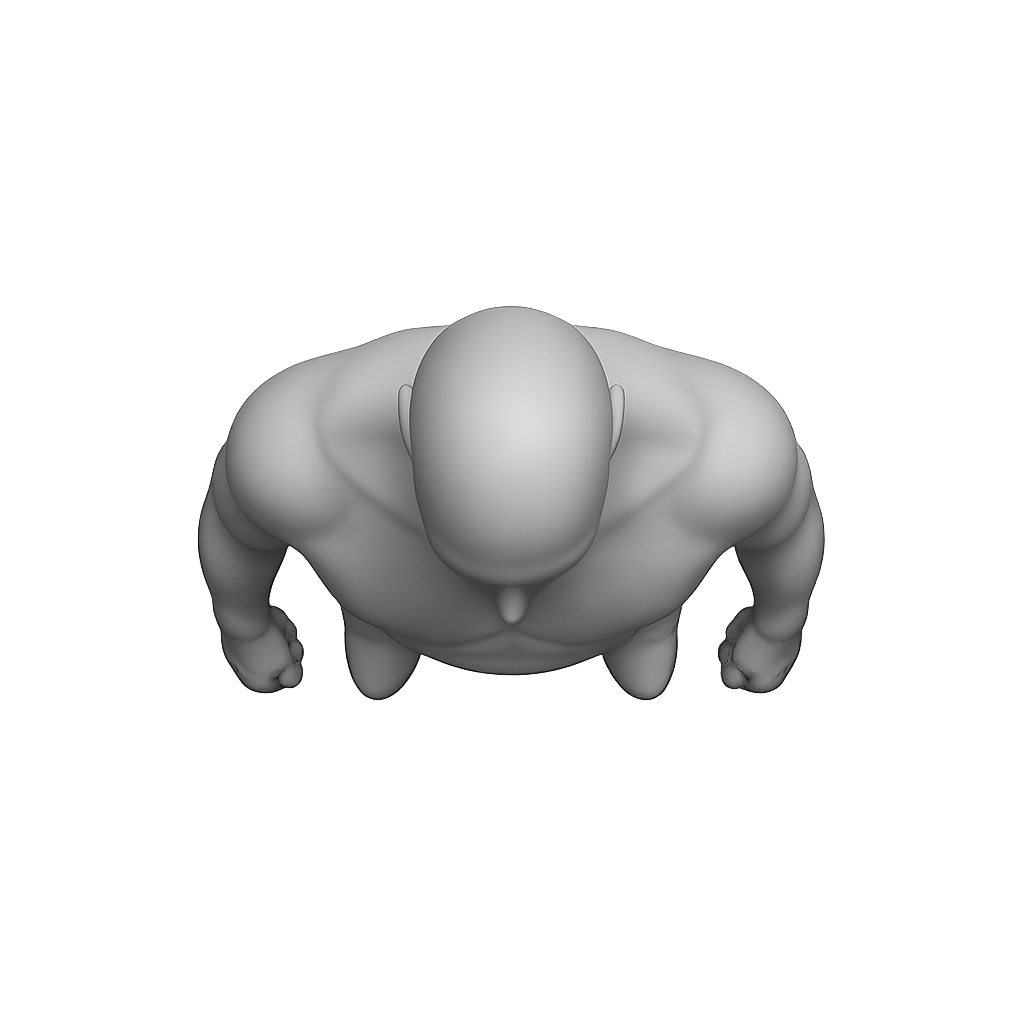
Coming soon for Pro: Top-Down token generation plus new monthly Monster Token Packs for quick encounter prep.